

Sharing Dashboards
On this page
Sharing Dashboards
Share dashboards with team members and control their access levels for collaborative data analysis.
Sharing a Dashboard
- Locate and click the Share icon on the dashboard.
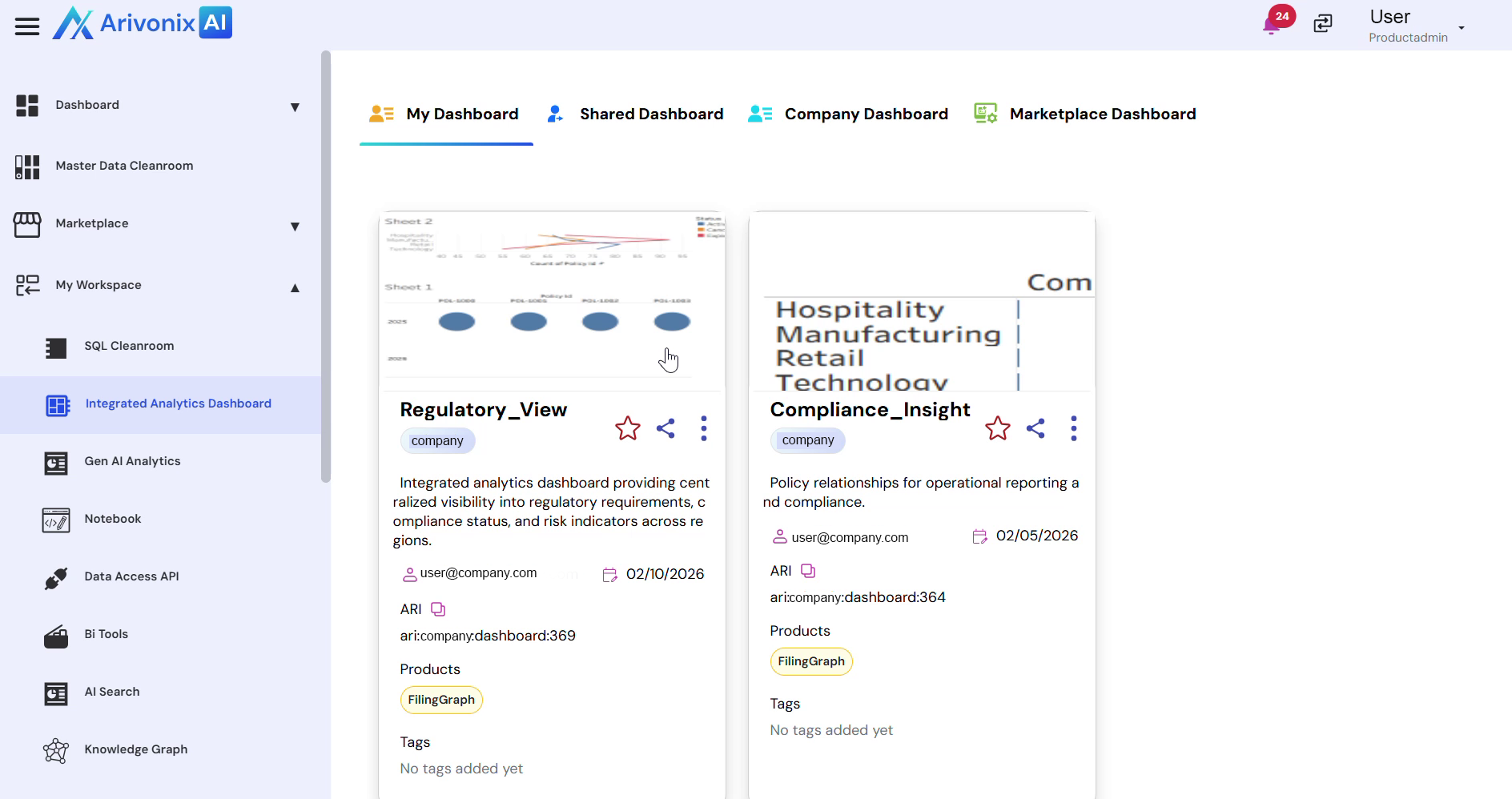
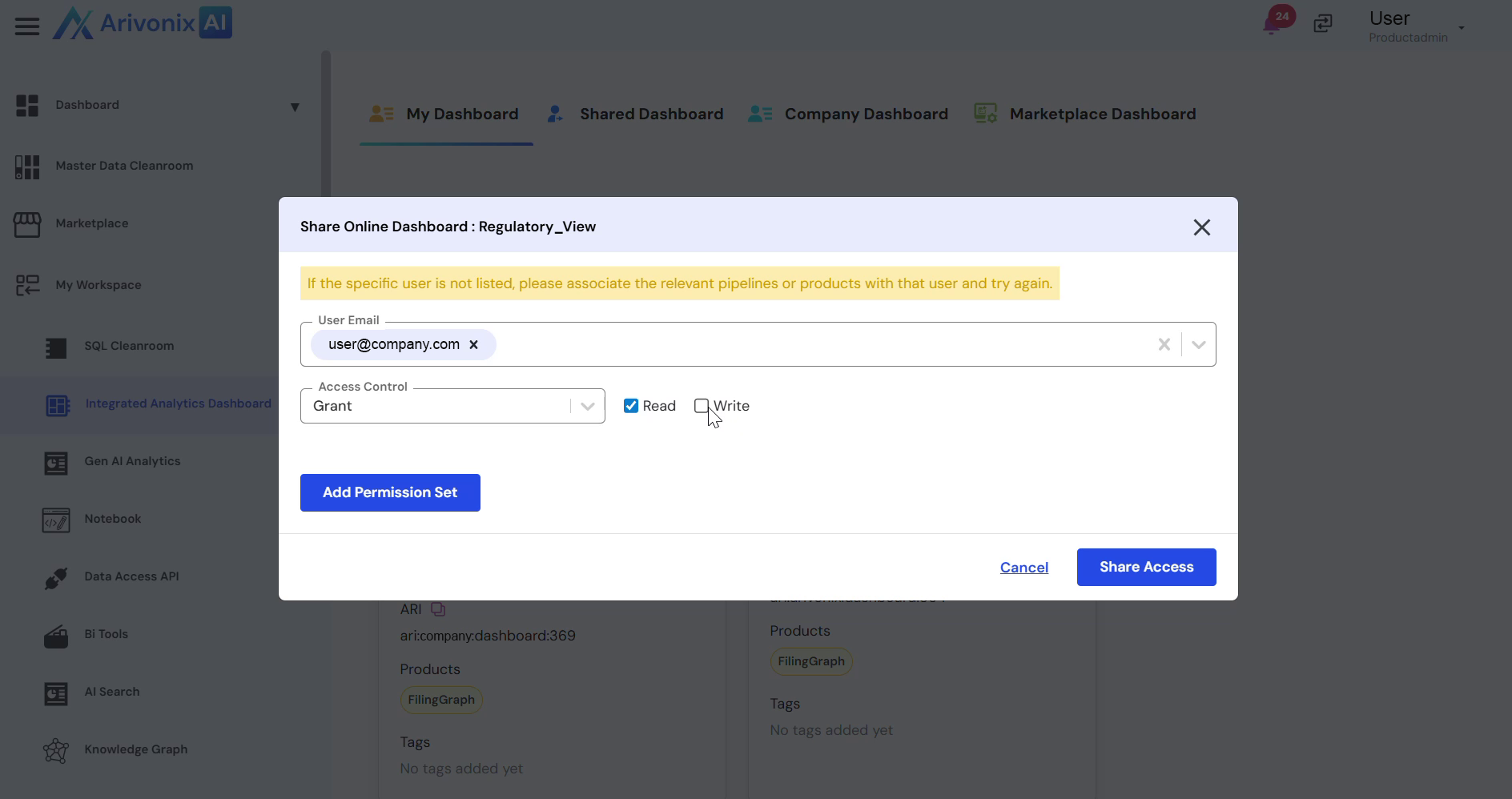
- Enter the email address of the user you want to share the dashboard with.
- Configure access control settings:
- Select whether to Grant or Deny access
- Set the access level: Read Access or Write Access
- Click Share Access to complete the sharing process.
Upon completion, the dashboard will be successfully shared with the specified user with the configured access permissions.