

Creating a Group
On this page
Creating a Group
Manage user access by creating groups and adding multiple users with specific entitlements.
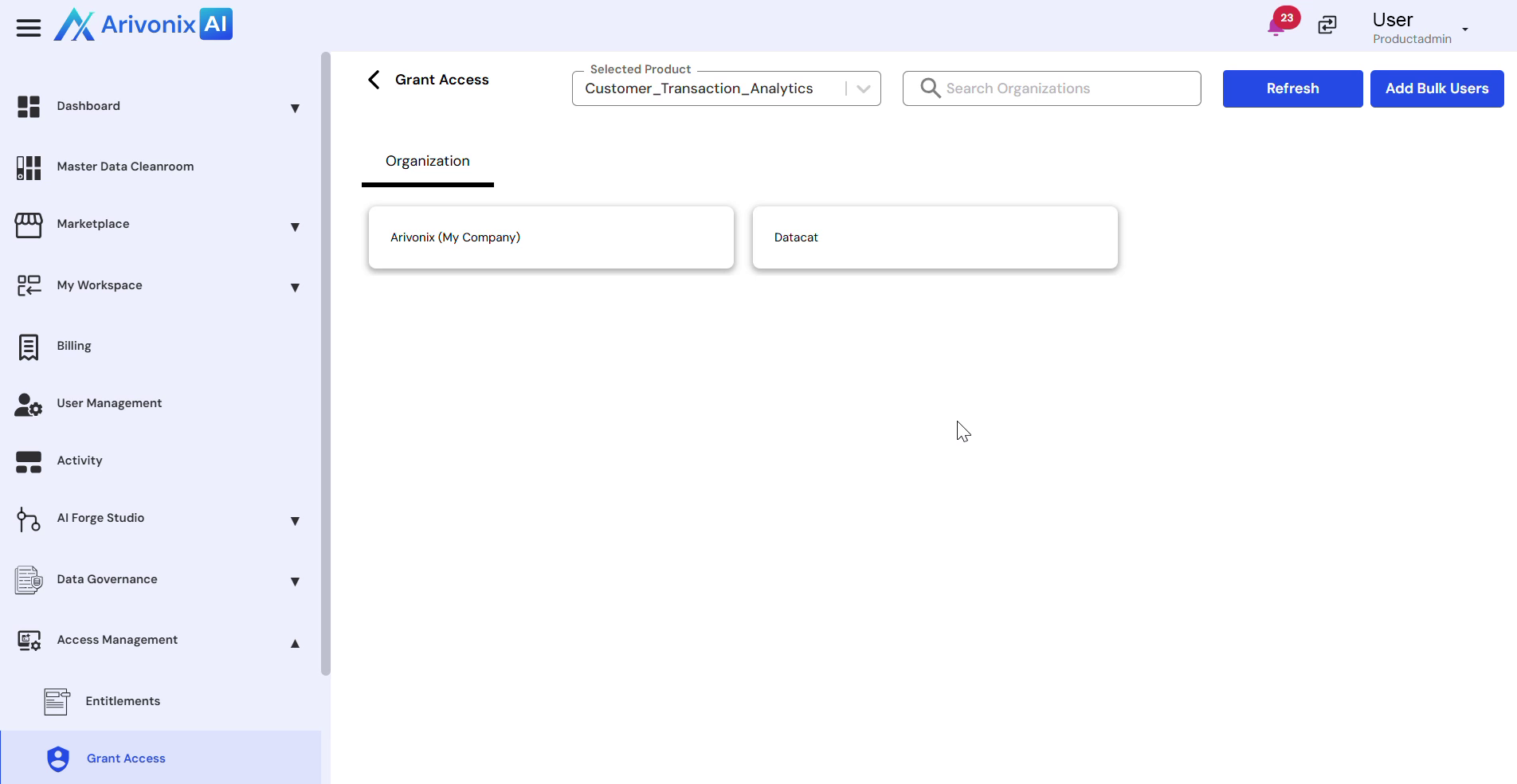
- Click Add Bulk Users from the top right corner of the page.
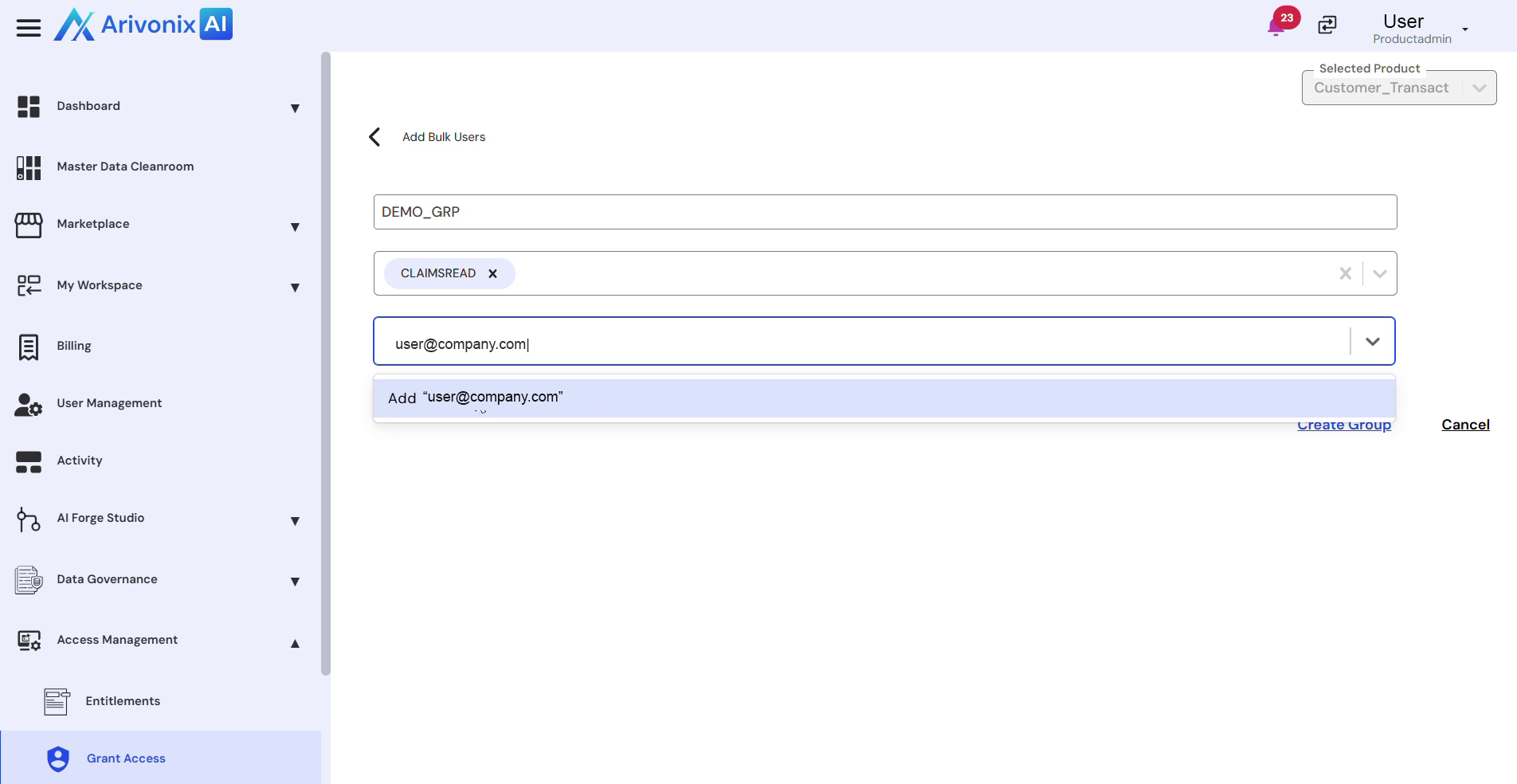
- Configure the group settings:
- Select the appropriate SKUs (entitlements)
- Enter the usernames for access permission
- Multiple users can be selected as needed
- Click Create Group at the bottom right corner of the page.
Upon successful completion, the system displays a confirmation message indicating that the group has been created.