

Creating Insights
On this page
Creating Insights
Insights transform raw data into graph-ready structures, enabling efficient data processing for knowledge graphs.
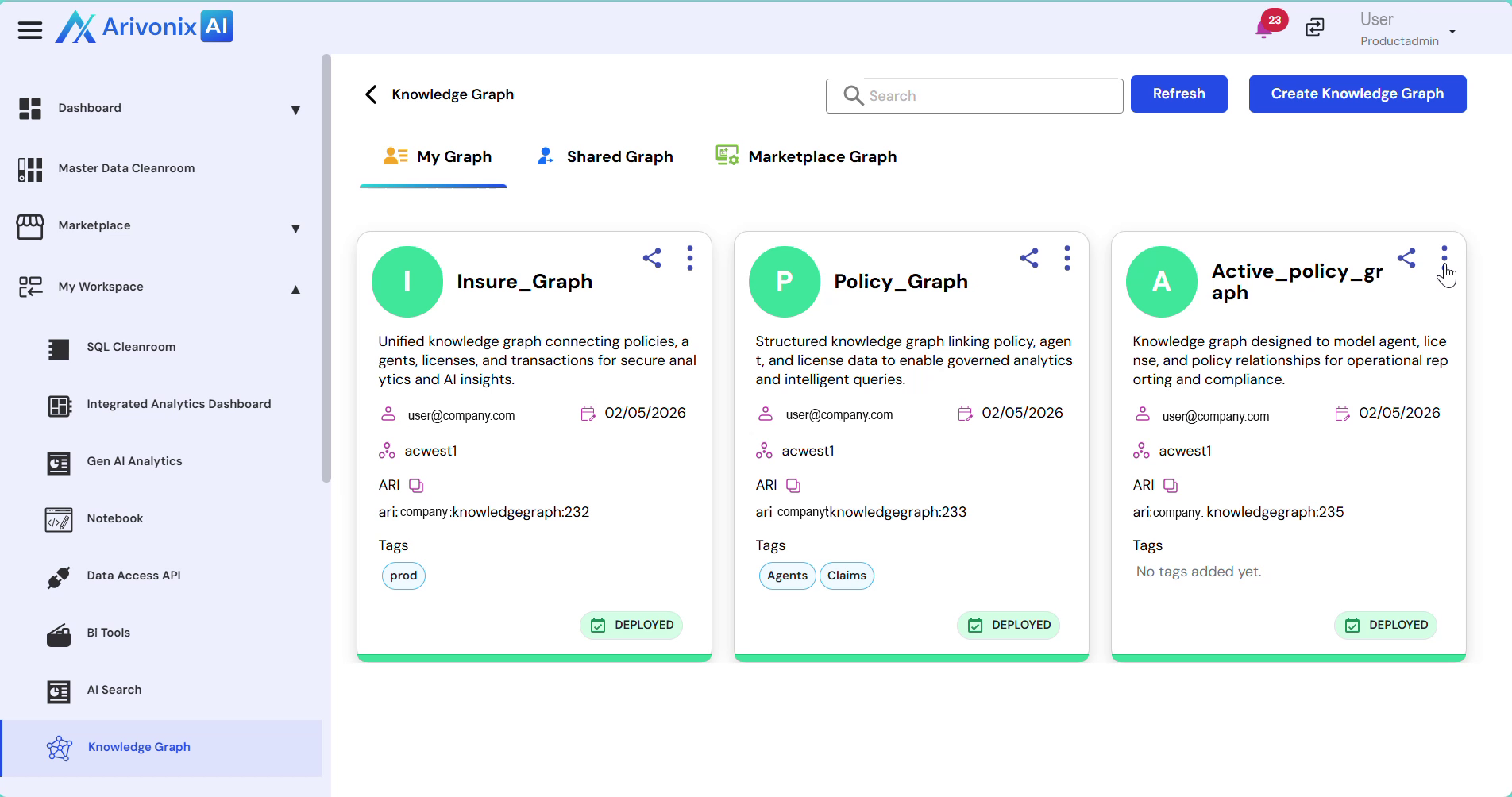
- Select the knowledge graph where Insights need to be added.
- Click on the Action menu and select Explore.
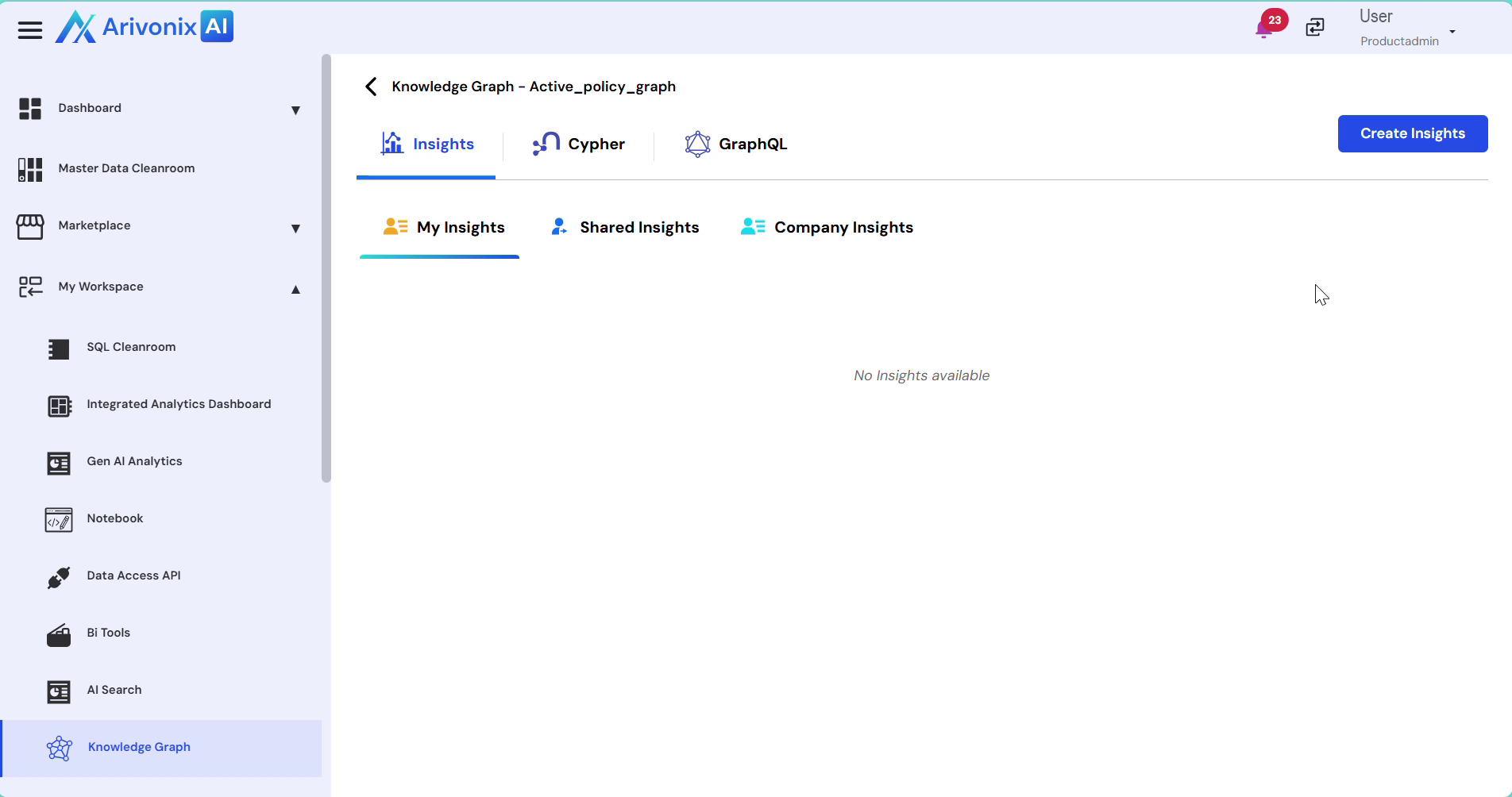
- Navigate to the Insights tab.
- Click Create Insights in the top right corner.
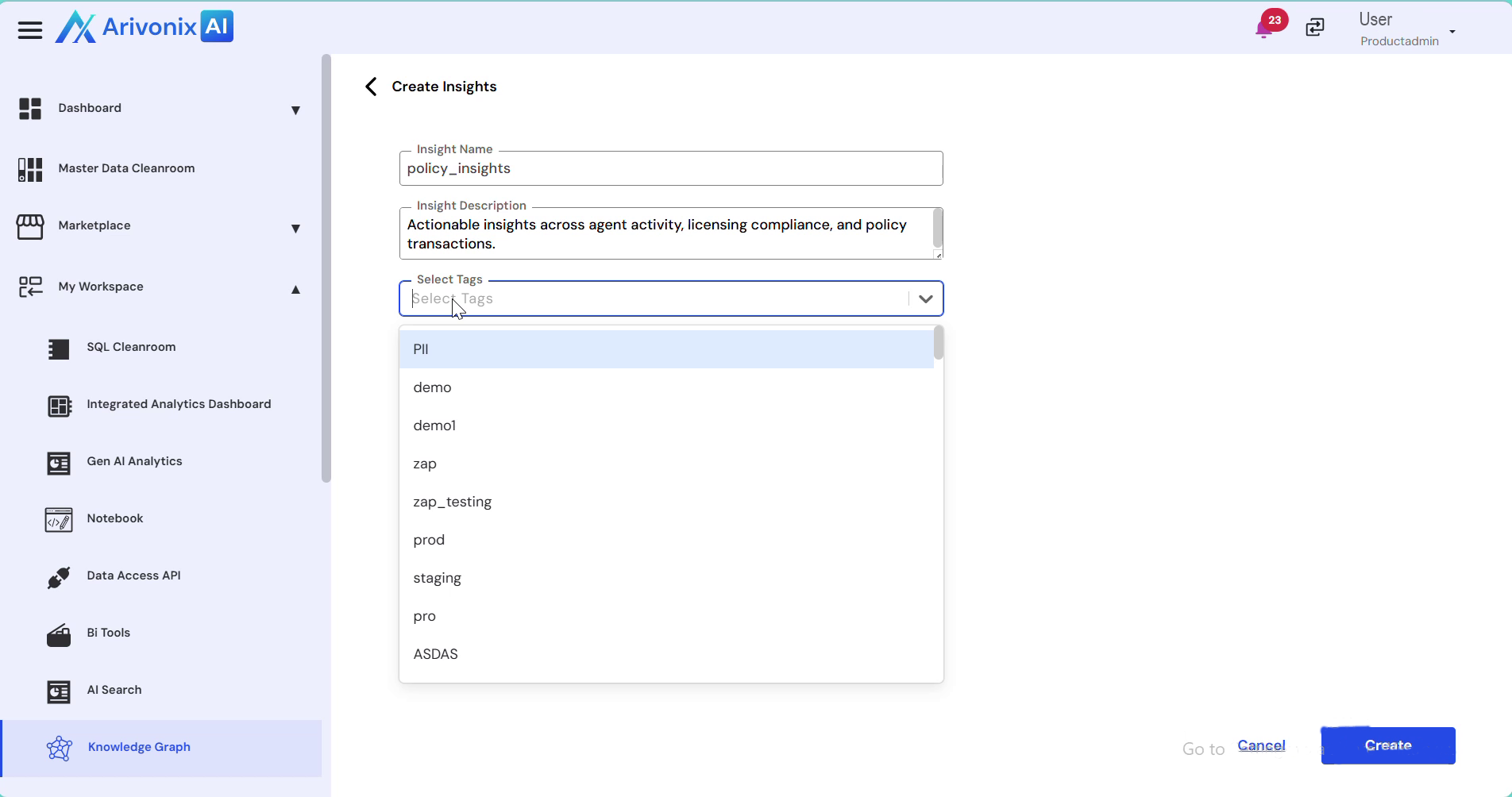
- Provide all the required details for the Insight.
- Optionally, select appropriate tags.
- Click Create in the bottom right corner to confirm.
Upon successful creation, the system automatically redirects to the workflow designer interface.